

In short
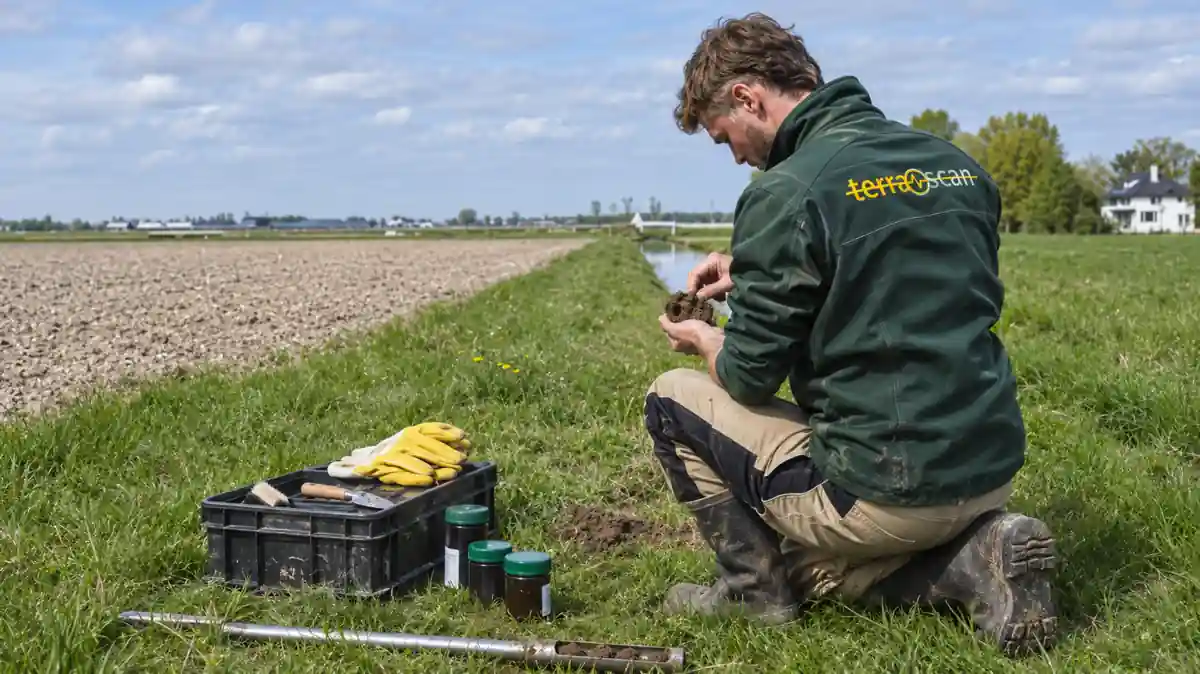
- Organisation: Terrascan, a Dutch specialist in soil investigation and remediation guidance. Msafe customer since 2025.
- Challenge: sharing large amounts of sensitive project data, such as aerial photographs, construction drawings and technical reports, securely with clients such as Schiphol Airport.
- Solution: Msafe Secure File Transfer with Easy Download, multi-factor authentication, control over who has access and an audit trail that everyone in the shared space can see.
- Result: files only reach the right people, even in complex collaborations with large organisations, and sharing is quick and easy.
“We want to share documents securely.” That was the question Terrascan asked when they contacted us. It sounds simple, but behind it was a familiar problem: how do you share large, confidential project files with clients without losing control over who sees them? This customer case shows how Terrascan solved it.
Terrascan customer case: about the organisation
Terrascan is a leading Dutch company specialising in soil investigation and guidance of soil remediation. Through independent research, Terrascan maps soil quality for its clients and supervises the remediation of any contamination.
One of those clients is Schiphol Airport, where Terrascan investigates soil quality on and around the airport site.
The challenge: sharing large, sensitive files with clients
Projects like these involve large amounts of sensitive data: high-resolution aerial photographs, construction drawings and technical reports. These files are too big for a regular email attachment, and too confidential for a free transfer service.
On top of that, Terrascan works with organisations that have their own policies, auditors and regulators. When you share a file with an organisation such as Schiphol, you want to be sure it reaches the right people, and be able to show what happened to it afterwards.
The solution: Msafe Secure File Transfer
Terrascan chose Msafe Secure File Transfer and has been using it since 2025. The team uses it to share large files with partners such as Schiphol, without compromising on security or ease of use.
- Control over access: Terrascan decides per project and per file who can open which files.
- Multi-factor authentication: recipients confirm their identity before they can access the files.
- Easy Download: external recipients don’t need an account. After a one-time verification by phone number, they download the files directly. Read more about Easy Download.
- Shared space with audit trail: everyone in a shared space can see what happens to the documents. Both Terrascan and the client know who opened or downloaded what.
- Large files: heavy aerial photographs and drawings go straight to the recipient. Msafe supports files up to 1 TB as standard.
The result: what Terrascan achieved in this customer case
“We work with confidential data for our clients, which we want to handle securely. With Msafe, we know for sure that our files only end up with the right people, even in complex collaborations with large parties. And the best part is: it works quickly and easily.”
Michel van der Riet, Senior Project Manager at Terrascan
Terrascan now shares its project data through one fixed, secure route. That gives the team the certainty that confidential information stays with the right people, while the focus stays where it belongs: on the research itself.
Why not a collaboration platform?
Many organisations reach for Teams, SharePoint or Google Drive to share documents. For collaboration within your own organisation, that works well. But when two organisations, each with their own governance, exchange information, the boundaries blur quickly. Who owns the document? Who may forward it? And which logs are leading if something goes wrong?
Secure file transfer starts from a different principle. Not “we work together in one environment”, but “we transfer information to you in a controlled way”. The sending party decides what is shared, with whom and under which conditions. The recipient receives the documents securely, without access to the other party’s internal systems. Read more about the difference in SharePoint vs Secure File Transfer.
What you can learn from the Terrascan customer case
- Choose one fixed route for external transfers. When everyone knows how confidential files leave the organisation, loose links and free transfer services disappear by themselves.
- Make visible what happens to a file. An audit trail that both parties can see prevents discussion and makes accountability simple.
- Keep it simple. A secure way of working only works if it is as easy as the insecure one. For Terrascan, “quick and easy” mattered as much as secure.
Want to know how to approach this in your own organisation? Read our article on secure file sharing with external parties or on how to send large files securely.
More customer cases
- Dutch Railways (NS) shares confidential and large files with Msafe
- PAL-V shares CAD models and test results securely
- VvAA: “We have a duty and responsibility”
- The Railway Museum gets a handle on external file sharing
- Het Kandidatennetwerk shares personal data securely
Frequently asked questions about the Terrascan customer case
Why did Terrascan choose Msafe?
Terrascan shares large, confidential project files with clients such as Schiphol. Msafe gives control over who has access, protects access with multi-factor authentication and, according to Terrascan, is quick and easy to use. With Easy Download, recipients don’t even need an account.
Which files does Terrascan share through Msafe?
Among others, high-resolution aerial photographs, construction drawings and technical reports from soil investigation and remediation projects.
Who can see what happens to a shared document?
Everyone in a shared space can see what happens to the documents. Both Terrascan and the client have insight into who opened or downloaded what.
Want to share securely and easily with your clients too?
In a short demo we show how to share large and confidential files with external parties, with control over access and an audit trail that everyone in the shared space can see.
