For organisations with compliance obligations

Get a grip on secure
document sharing.

Msafe is a Dutch software specialist for organisations that need to share confidential documents securely and account for how they are shared. Msafe Secure File Transfer brings policy, access control and audit information together.

Alongside your email. Within your policies.

Want to assess your own situation first? Explore the workshop.

document-control-en
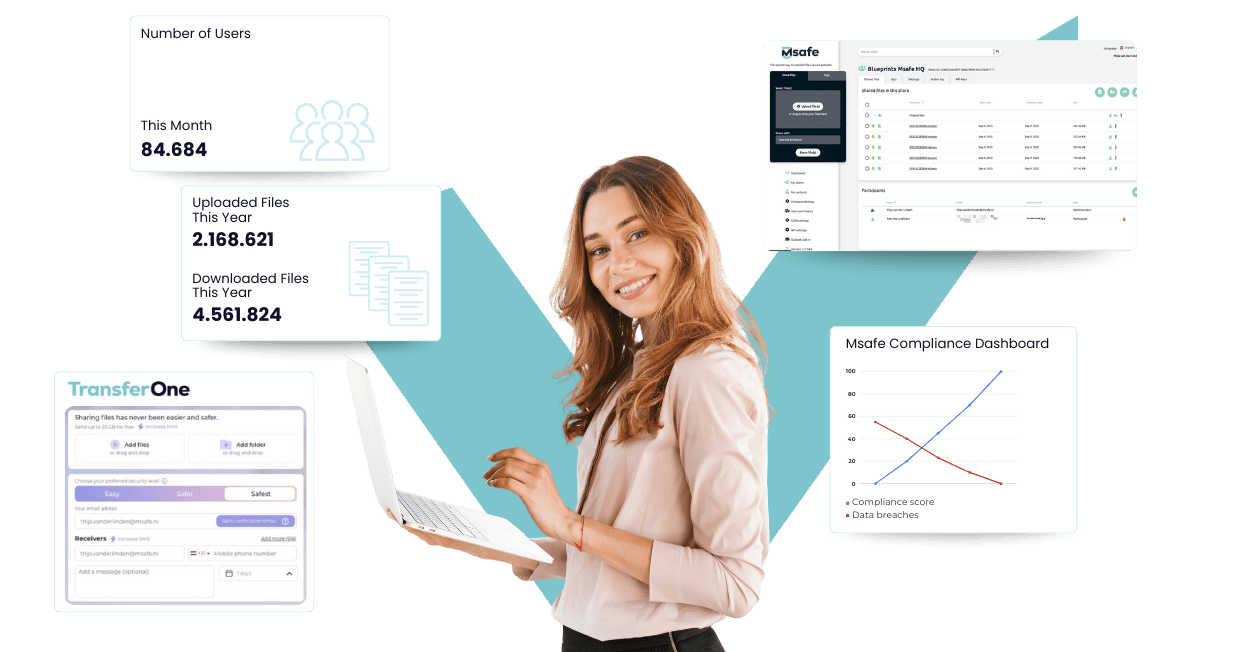
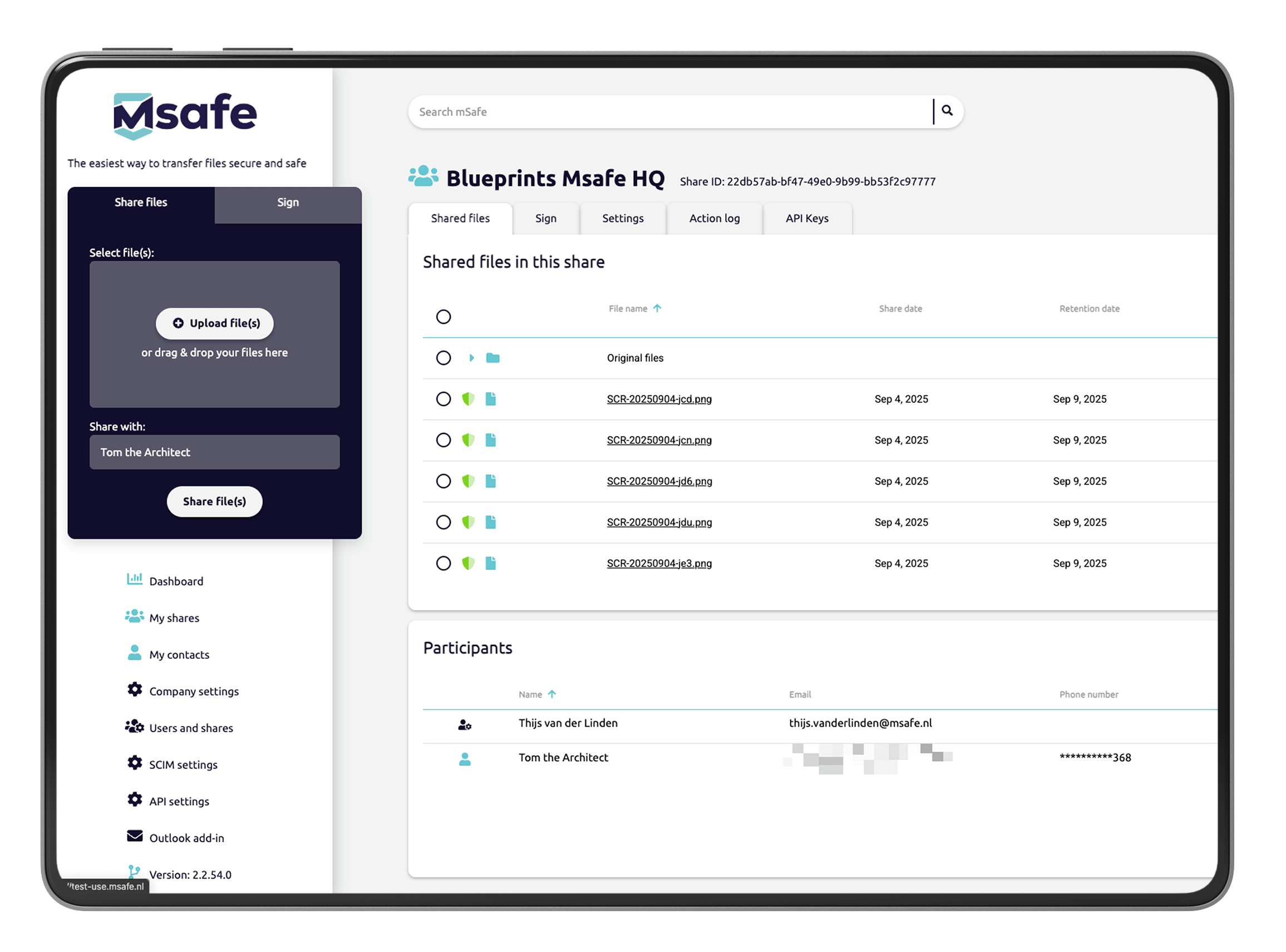
Conceptual illustration of the sharing process; not a product interface.

Alongside your email

A dedicated place for documents

Evidence for your review

Audit information that supports control

Centrally managed

Users, policies and access

Designed for people

For senders and recipients

Clear channel choices, greater control

Email for the conversation.
Msafe for the document.

Email remains useful for everyday communication. Confidential documents also need control over recipients, access and expiry. Give that exchange a dedicated, managed place.

Keep communicating

Use email for discussions, questions and notifications. A standard attachment gives the recipient an independent copy.

Share with control

Set verification, access rights and expiry around the transfer. Find the relevant file activity when you need it.

Fit the working day

Work in the browser or use the Outlook integration. A separate sharing process need not be a disconnected workflow.

A standard email attachment

Controlled sharing via Msafe

Revocation stops new access through Msafe. It does not retrieve a previously downloaded copy.

From policy to controlled sharing

How control works in practice.

01
msafe-homepage-03-beleid

Set your policies

Define who may share. Block unwanted file extensions with policy rules and assign users through SCIM.

02

Share securely

Share documents from your Msafe environment or Outlook. Choose the recipients and appropriate access conditions.

03

Verify access

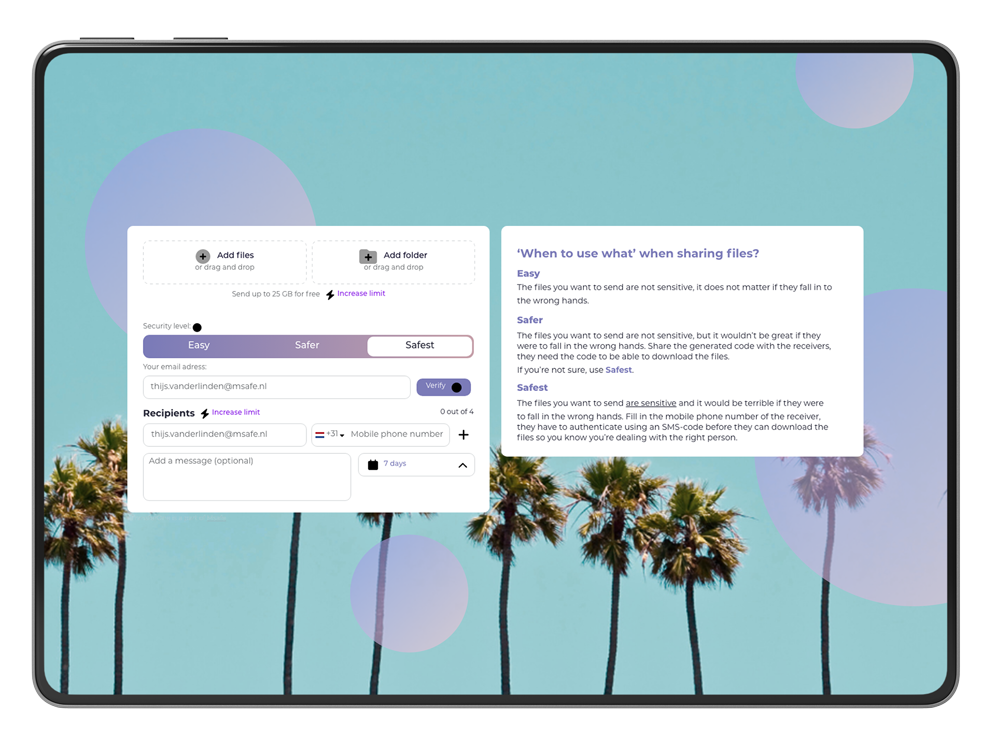
Have recipients complete the configured verification. With Easy Download, they can do this without a recipient account.

04
msafe-homepage-06-activiteiten

Review activity

Find recorded uploads, downloads and other file activity. Use the information for reviews and investigations.

Availability depends on your plan and configuration. Easy Download must be enabled by your organisation.

One sharing process, several responsibilities

What each role gains.

Compliance officer

A dedicated platform. Connected to your environment.

Outlook, SSO and SCIM are included in Enterprise and Unlimited. We align the technical setup with your environment.

Regulation in day-to-day practice

Compliance as a practical starting point.

From an obligation to a workable control. Explore the frameworks relevant to your organisation and the people behind our software.

NIS2 & Dutch Cbw

Access and supply-chain risks

Connect external document flows with cyber risk management and collaboration across your supply chain.

About Msafe

Independent. Dutch. Committed.

Experience in secure file sharing since 2012. An independent Dutch software company since 2022.

Software supports your controls. Compliance also requires appropriate configuration, lawful use, policies and agreements.

Team workshop · 60 minutes

Where do you lose control
of external file sharing?

External Data Control Canvas

Work with your IT, security and privacy team to map what leaves your organisation, who receives it and what evidence you can provide.

01

Map your external data flowsIdentify the files, recipients and sharing channels in use.

02

Assess four control layersScore identity, policy, exchange and evidence against actual practice.

03

Agree three improvement actionsSet priorities, assign owners and agree deadlines.

For IT managers, CISOs, security officers and privacy officers.

Msafe-logo-FC-New-Color-250x60-1.webp

Your organisation
Your data flows

External Data Control Canvas

Four control layers applied to your organisation

01

Identity

Who can share files, and with which permissions?

0–4

02

Policy

Which rules are enforced?

0–4

03

Exchange

How are verification, access and retention managed?

0–4

04

Evidence

What can you demonstrate afterwards?

0–4

Each layer is scored from 0 = absent to 4 = demonstrable.

Your top 3 improvement actions

With owners and deadlines

Within two working days, you receive your completed canvas, scorecard and priority actions. The canvas is yours, whether or not you decide to work with Msafe.

Management guide · October 2026

Control over
secure file sharing.

From individual transfers to a demonstrably governed process.

For security officers, IT managers and privacy officers assessing and improving external file sharing. With decision questions, a practical control framework and an action plan for the first 90 days.

19 pages · A4 · English · Direct download, no form required

Our own management framework and practical guidance; not a standard or a declaration of compliance.

Our software, your use case

Choose the solution for your sharing process.

For ongoing document exchange

Msafe Secure File Transfer

A managed environment for organisations that need to organise access, users and sharing conditions, with audit information around the transfer.

For straightforward file transfers

TransferOne

A separate solution for sending files with ease. Choose based on your use case; the central administration features of Secure File Transfer are not automatically part of TransferOne.

Clarity before the first decision

Frequently asked questions.

Key questions about a dedicated sharing platform, your existing workplace and the role of Msafe.

Msafe develops software for secure file exchange. Msafe Secure File Transfer provides a dedicated document environment alongside your everyday email. Notifications can arrive by email, and the Outlook integration can support your existing workflow.

Yes. You can keep working with your existing environment. Msafe Secure File Transfer works in the browser and supports an Outlook integration. Outlook, SSO and SCIM are included in Enterprise and Unlimited; configuration depends on your environment and plan.

SharePoint and OneDrive can also manage external access. The choice depends on your document flow, configuration and control requirements. Msafe focuses on controlled external transfers. Test the full journey: sharing, receiving, ending access and reviewing activity.

No. The software supports specific controls and provides audit information. Compliance also depends on lawful processing, risk assessments, policies, contracts, configuration and actual use.

You can end further access through Msafe. This does not remove a file that the recipient has already downloaded to their device. Agreements about use, onward sharing and deletion remain necessary.

Msafe Secure File Transfer focuses on a managed sharing process within organisations, with central configuration and audit information. TransferOne is a separate solution for straightforward file transfers. Assess the chosen solution and plan against your process, administration and security requirements.

Start with one defined document flow, such as files shared with an accountant or external service provider. Define who sends, who receives, which conditions apply and what information you need. Discuss this in a demo or Proof of Concept and use the management guide to support implementation.

In 60 minutes, your team maps external data flows and recipients, then assesses four control layers: Identity, Policy, Exchange and Evidence. You leave with a scorecard and three priority actions, each with an owner and deadline. You receive the completed canvas within two working days.

The workshop assesses your current practice. The completed canvas belongs to your organisation, whether or not you decide to work with Msafe. Any follow-up is based on the improvements you identify together.

From management decision to everyday practice

Bring one document flow.
Make your controls tangible.

Review sharing, receiving, ending access and reviewing activity together. Use fictitious documents in the demonstration.